Family AI Chat
Timeline
August 2025, Initial development
September 2025, Feature iteration
October 2025, Superwall integration
November 2025, App release
My Role
Main Developer
Overview
Family AI Chat was built for Enzak, with me as the sole developer. The goal was to create a kid-friendly AI chat app that parents could control and trust.
On the surface, the idea was simple: let kids chat with AI and have fun. The difference was that parents decided the rules first. Topics, boundaries, and access were all configured before the phone was handed over.
This was also my first time building a production AI-powered app from the ground up.
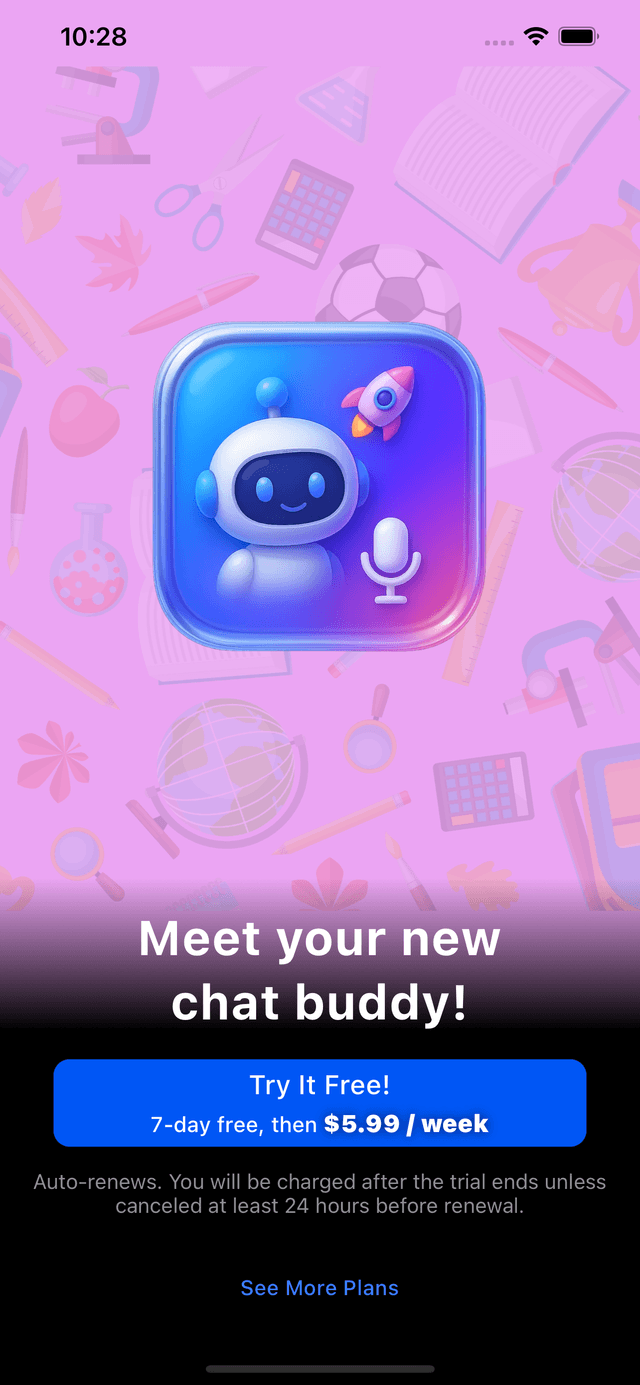
Screenshot from the Apple Store listing. All rights and trademarks belong to their respective owners.

Purpose and Context
Parents wanted a few clear things:
- Control over what topics their children could talk about
- Confidence that conversations stayed safe
- A setup that was simple and handled on their own device
Instead of giving kids open access to an AI chatbot, the app was designed so parents set everything up first. Once that was done, kids could use the app within those limits.
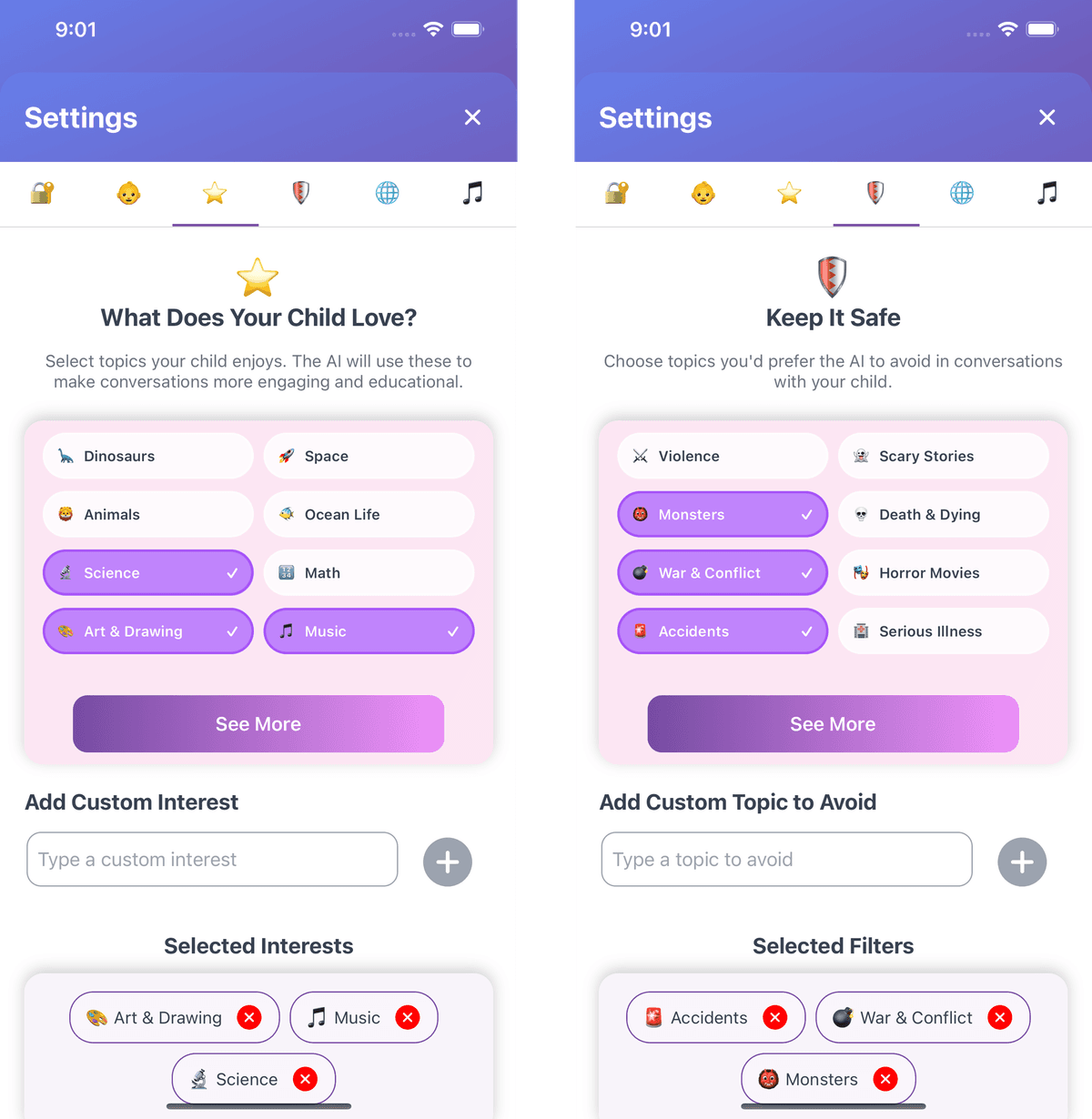
Screenshot from the Apple Store listing. All rights and trademarks belong to their respective owners.
Key Challenges
Working With AI for the First Time
At the start of this project, I had no real production experience working with AI models.
I had to learn quickly:
- Which models were available
- How to balance latency, cost, and safety
- How to connect multiple models into one smooth flow
Around this time, OpenAI released the Realtime API. It allowed low-latency communication and was technically a good fit. The problem was cost; it was not practical for the client at scale.
Instead of relying on one expensive solution, I designed a multi-model pipeline that was more affordable and flexible:
- Whisper-1 for speech to text
- omni-moderation-latest to validate safety and content
- gpt-4o-mini for chat responses and text generation
- gpt-4o-mini-tts for text to speech
- Audio streaming for real-time playback
This setup gave better cost control and allowed safety checks at several points in the flow.
First Time Using Superwall
This was also my first time integrating Superwall for subscriptions and paywalls.
What worked well:
- Plug-and-play setup
- Simple paywall configuration
- Clean UI out of the box
What was challenging:
- Some subscription behavior is abstracted away
- Mapping Superwall logic to App Store subscriptions took time
- Device identification caused a few edge-case issues
I spent a lot of time working with webhooks, syncing subscription states, and debugging entitlement issues. Superwall support was responsive and helped resolve blockers when they came up.
Overall, it was a solid first experience handling real subscription flows.
My Role
I handled the project end to end as the main developer.
My responsibilities included:
- App architecture and feature implementation
- AI model selection and pipeline design
- Safety checks and content moderation
- Superwall payment integration
- Release preparation and iteration
Outcome
- The app was successfully released on the App Store
- Safety checks were enforced for both inputs and outputs
- Performance and cost were balanced using multiple AI models
- Subscriptions were manageable for non-technical users
Lessons Learned
This project pushed me outside my comfort zone in a good way.
It reinforced a few things for me:
- You do not need to be an expert to start
- Cost, safety, and architecture matter as much as features
- The goal is reliability, not perfection
Most importantly, it reminded me that the fastest way to learn is to build real things and deal with real constraints.